Tell your Overseer what you want. It sends the agents.
Dispatch keeps a board, docs and an Overseer for your coding agents, on your Mac. Use it from the agent you already have, or in the Dispatch app, where your Overseer plans the work, starts Claude Code or Codex, and only flags you down when a task needs you.
curl -fsSL https://dispatch.foo/install.sh | shVersion 1.0.0, one universal build for Apple silicon and Intel Macs. What gets installed
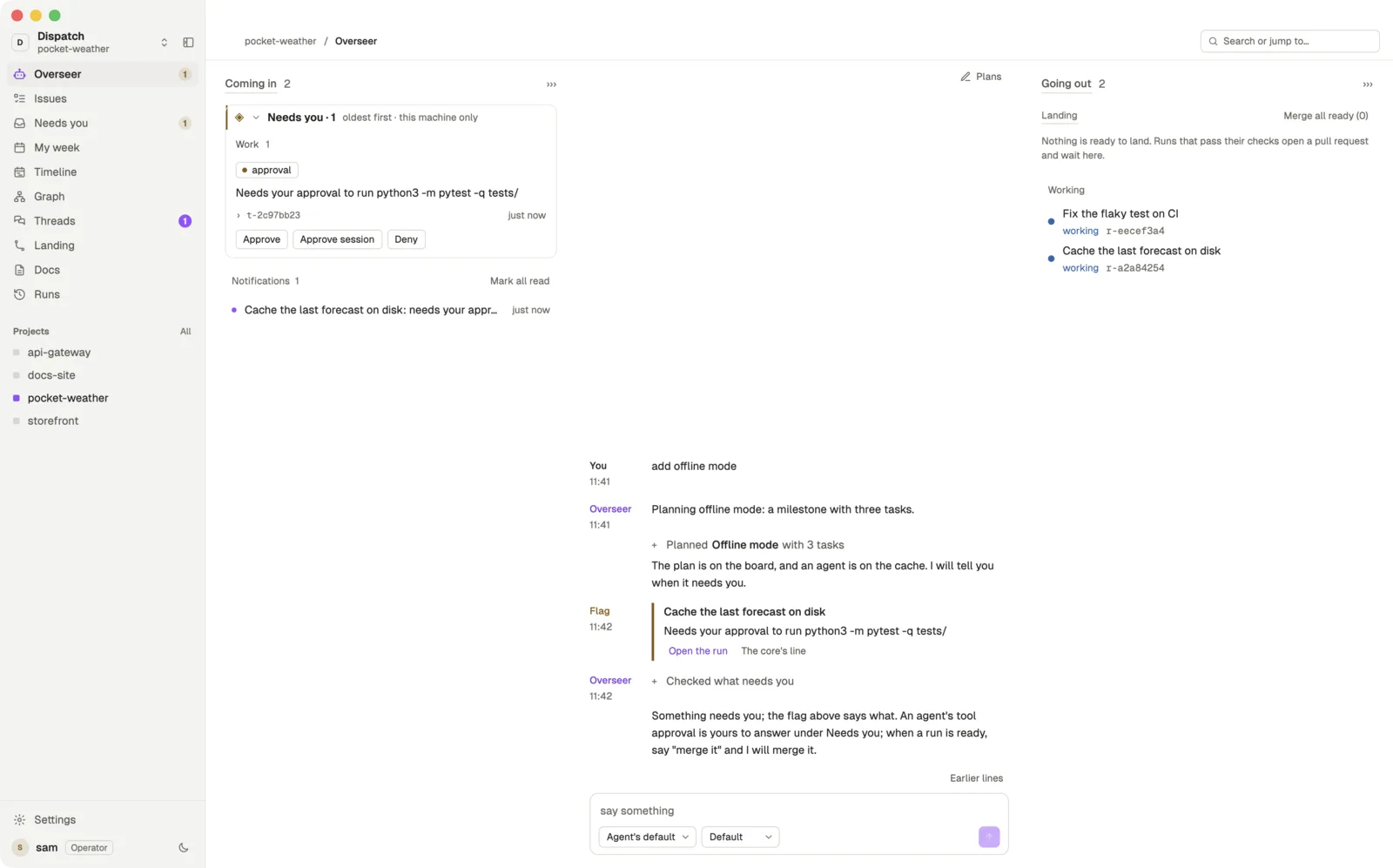
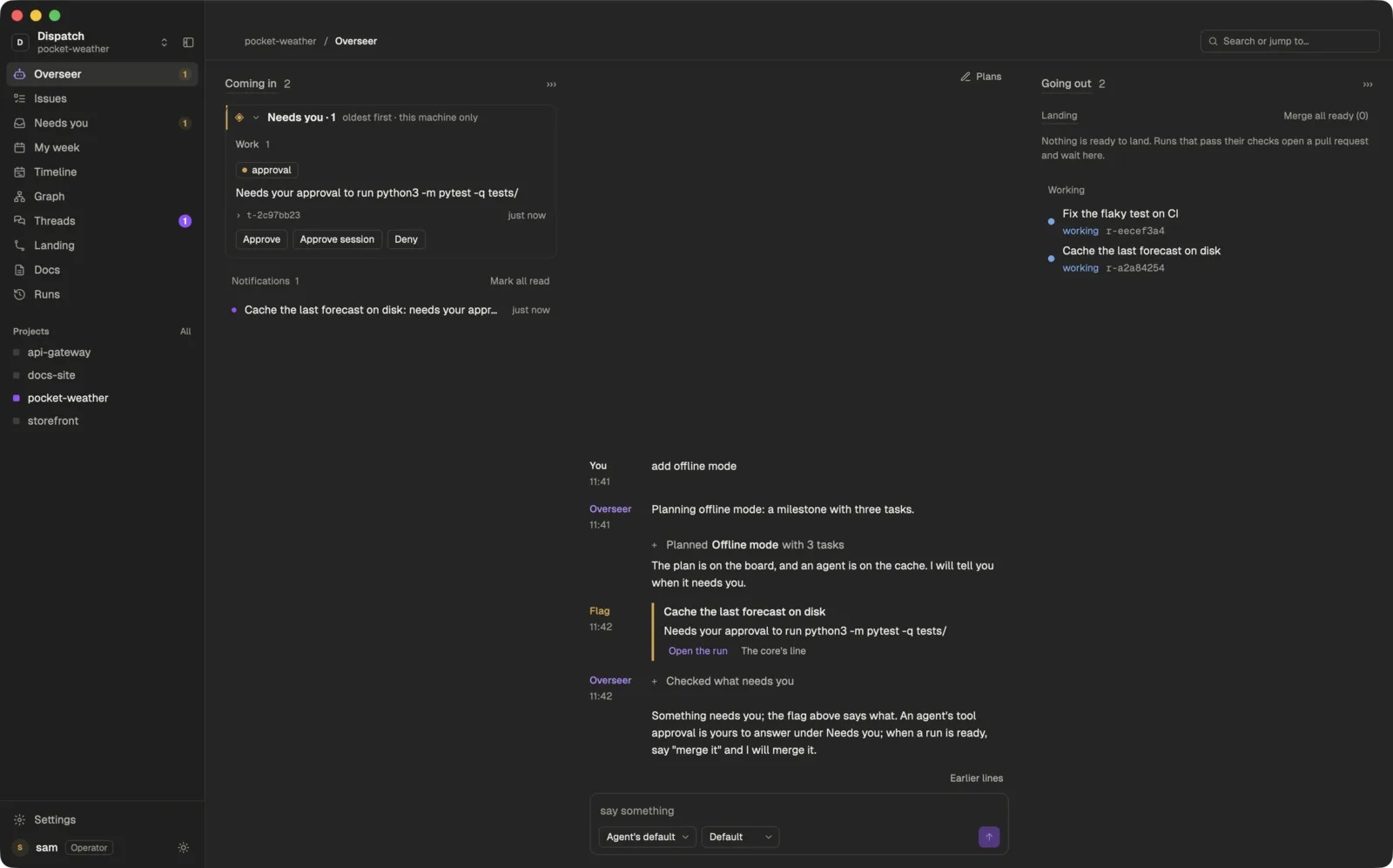
Two ways to use it.
Both use the same Dispatch core, installed by the same one line. It runs in the background either way, and the app is a view onto it.
1
From the agent you already use
For you if your setup works and you want to keep it. Add Dispatch to your agent as an MCP server. It can then read the board and comment on tasks, see runs and their diffs, message your Overseer and teammates, ask you for an approval, and read and save docs.
Your coworkers, from your agent. Ask it what your team is working on: it lists each coworker's agents by name, with their task and state, and can message one of them.
- Claude Desktop
- Cursor
- Claude Code
- OpenCode
- Codex
- T3 Code
- Anything else that speaks MCP
2
In the Dispatch app
For you if you want one place for all of it. A native Mac app with your Overseer, the board, five planning views and the Hub. Tell the Overseer what you want and it sends the agents; the rest of this page is about the app.
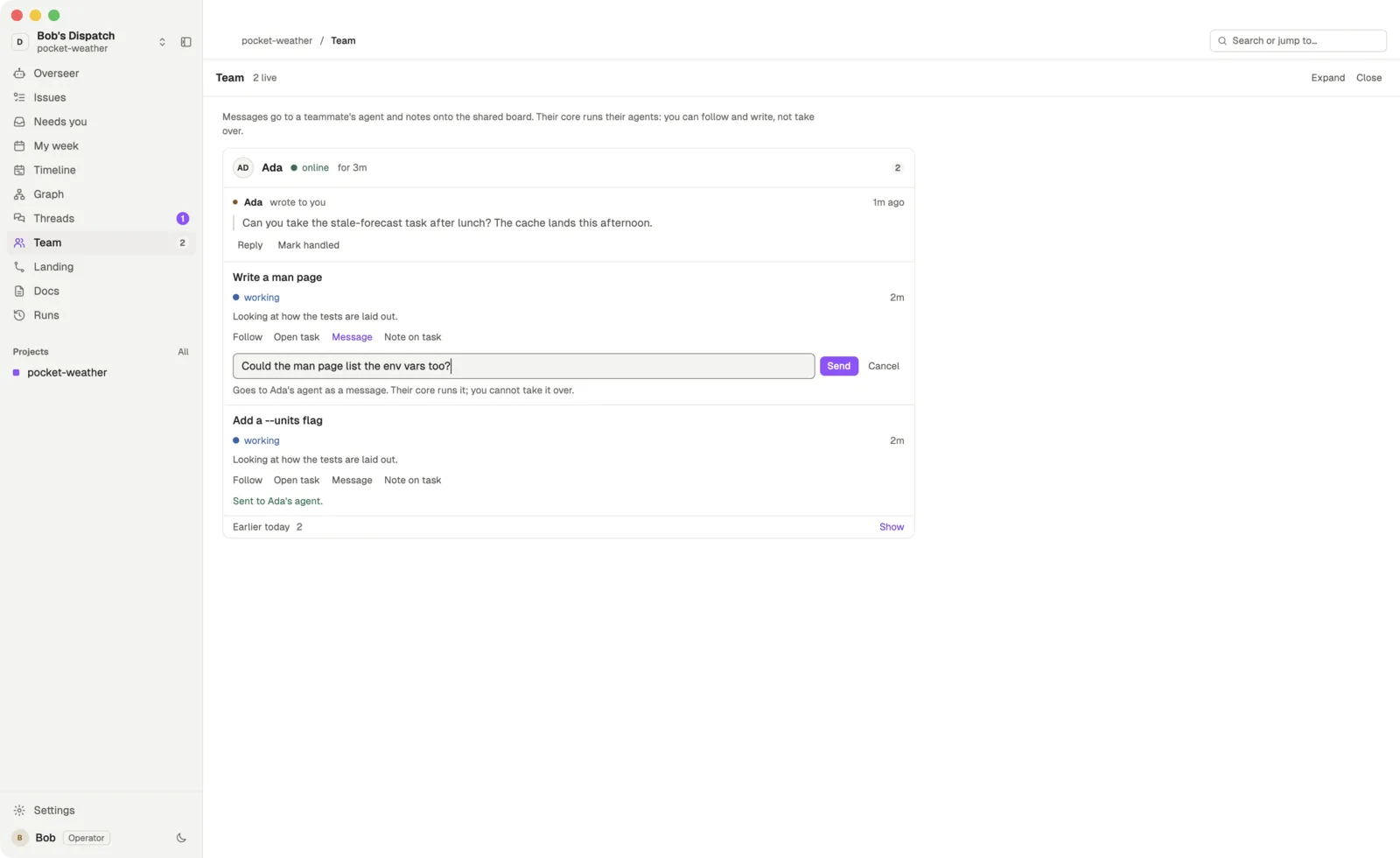
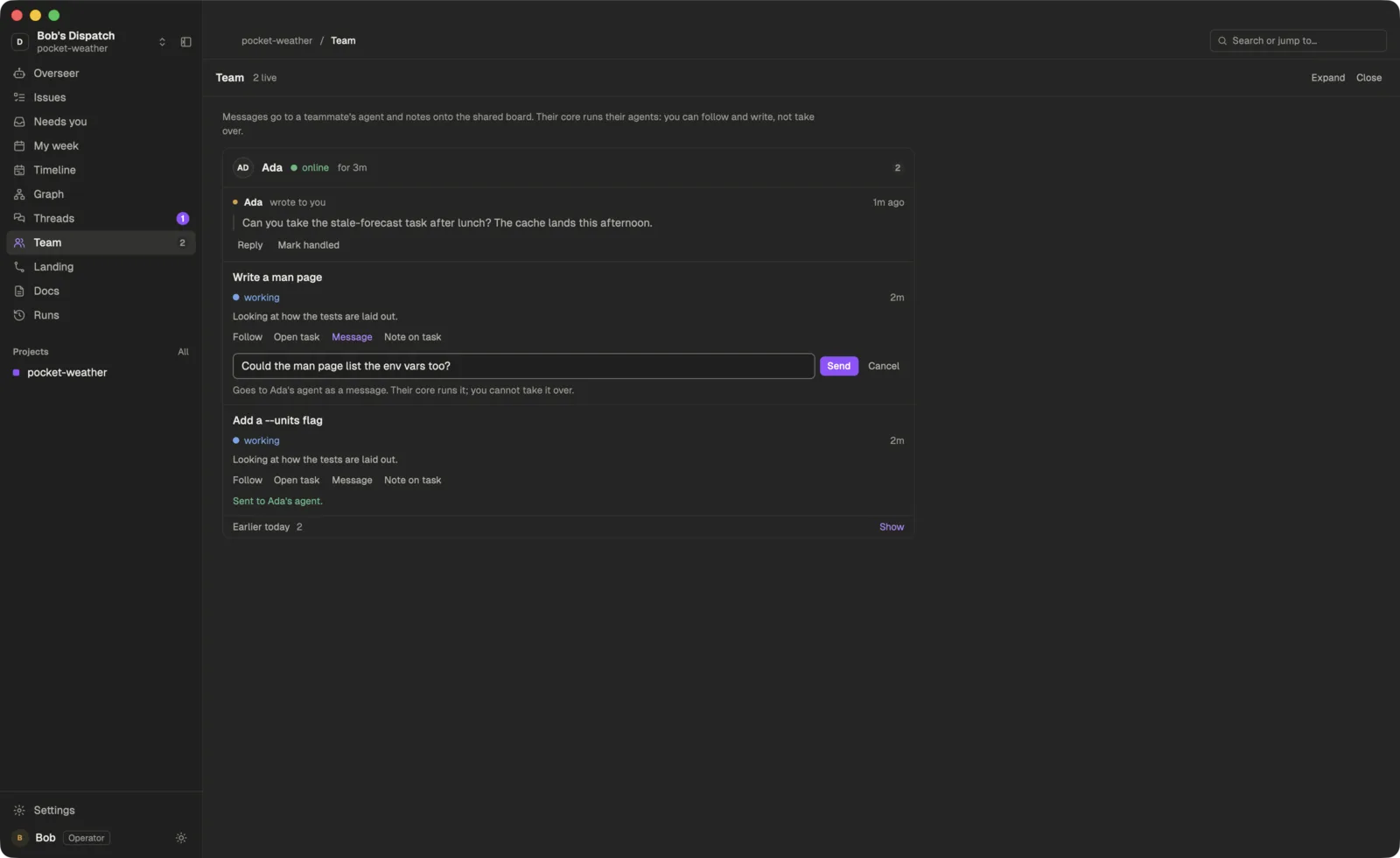
Your coworkers, at a glance. The Team view shows each coworker, whether they are online, and their agents live: follow a run as it happens, leave a note on the task, or message their agent.
- Overseer
- Needs you
- Board
- Planning
- Team
- Hub
How it works
You talk to one Overseer
Say what you want in a sentence. It turns that into tasks on a board and decides what to start.
Agents run as themselves
Claude Code and Codex run as their own command line programs, on your machine, signed in with your account or your key.
Done means a pull request
Finished work passes your checks and opens on GitHub, ready for you to merge.
It interrupts you for four things.
Everything else keeps moving. A task can name the files it expects to change, and that only warns other Overseers about likely merge conflicts. Nothing is denied for cost or for the files a task touches.
A question
An agent cannot go on without an answer from you.
A tool approval
An agent wants to run a command you have not allowed yet.
Failed checks
Your project’s checks failed on an agent’s change.
A pull request
The work is done and its pull request is ready to merge.
Each one waits under Needs you with a button per answer: approve, deny, merge or send the agent back.
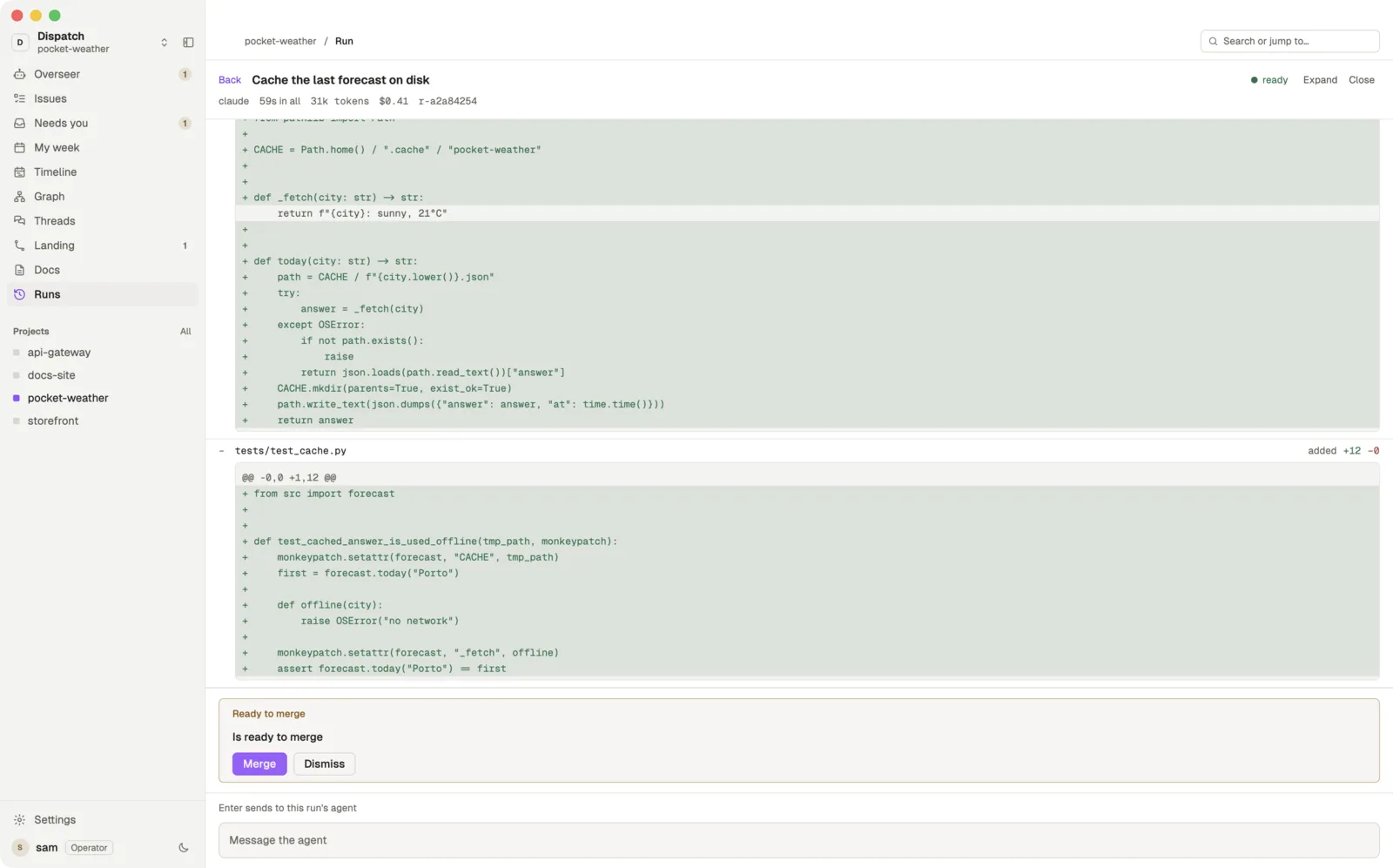
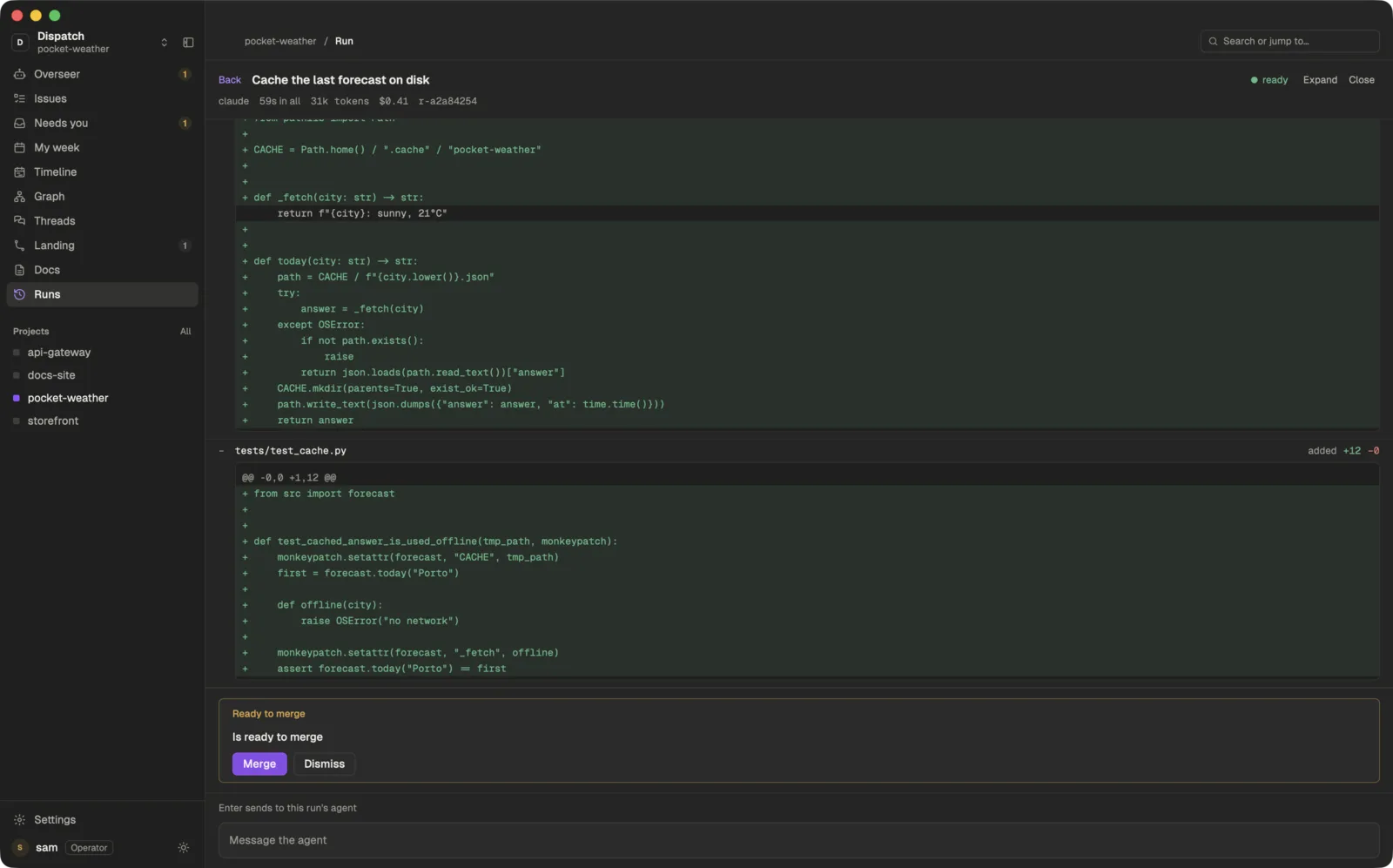
Finished work lands as a pull request.
Open any run to read what its agent did, answer it, and see the diff. When you want a second read, a reviewer agent can look at the change; its verdict goes in the pull request and never blocks it.
Your checks run
The project’s own checks run on the agent’s branch.
A pull request opens
It opens with a description of the change.
GitHub merges it
Press Merge in Dispatch or on GitHub. Nothing queues in between.
Comments go back
Review comments on the pull request go back to the agent that wrote it.
The app is yours to change.
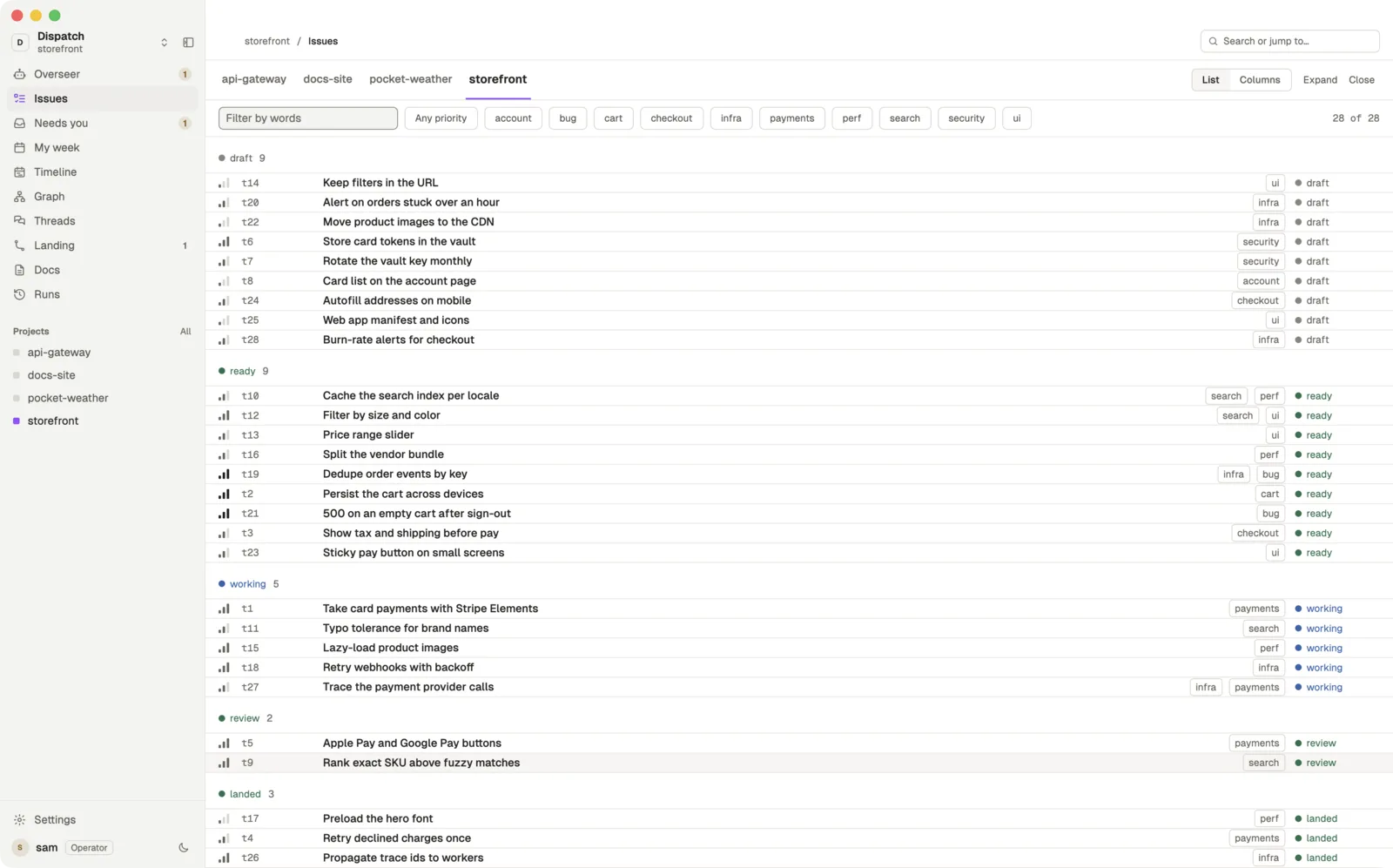
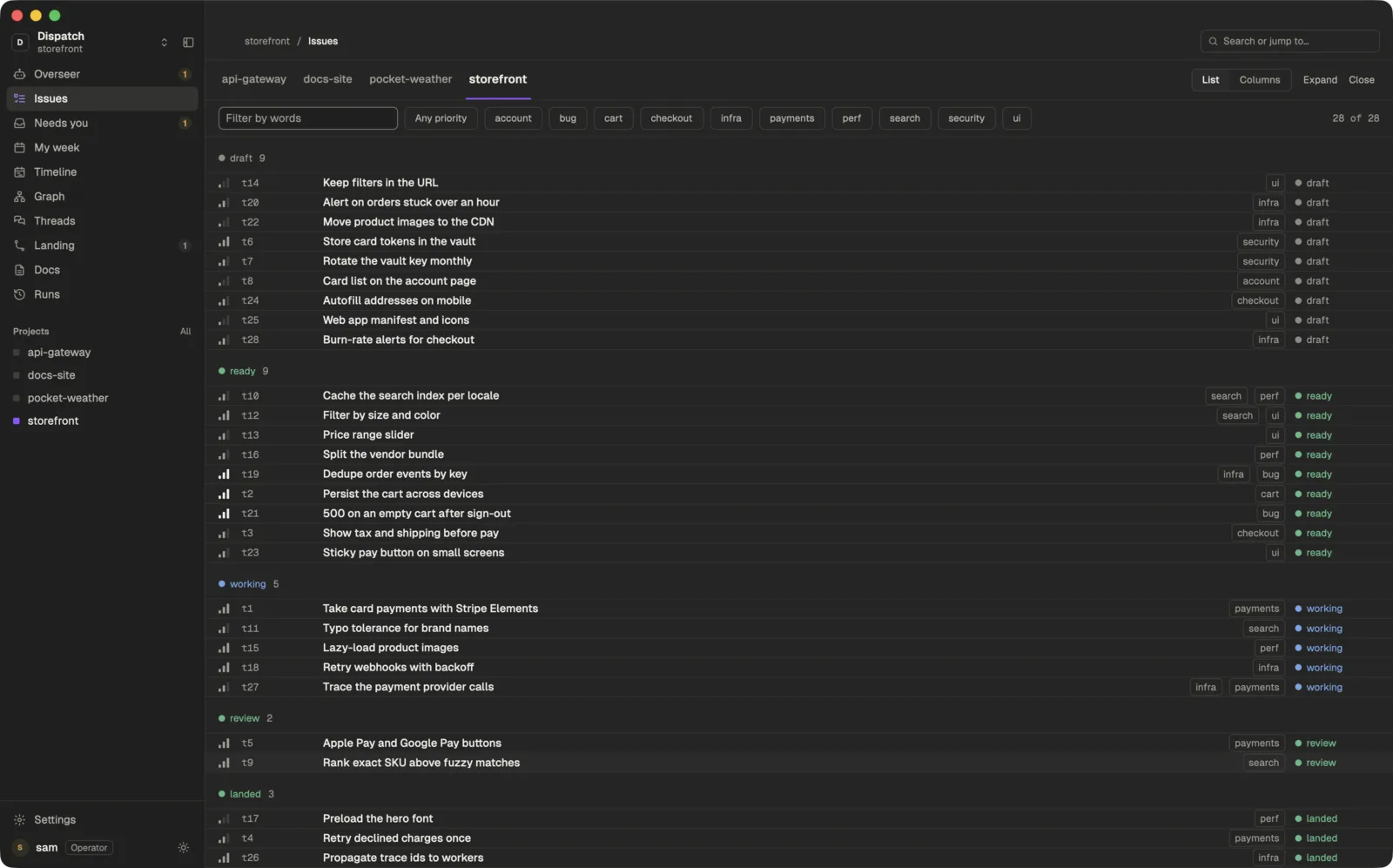
The Dispatch app is native to the Mac, and every panel in it is a small JavaScript file in your app folder. Themes are files too. Edit one yourself, or ask Claude to change a panel for you, and the window picks up the change as soon as it is saved.
The panels it ships with: the Overseer and Needs you, the board, sessions, a run view to talk to an agent about its task, the task page, a terminal, Going out for pull requests, and five planning views. Each comes in light and dark.
// mods/statusbar/main.js, shortened
import { View, div } from "gpui-kit";
import { h_flex } from "gpui-base";
import { core, theme, px } from "dispatch";

export default class StatusBar extends View {
  render(cx) {
    const tok = theme().tokens;
    return h_flex()
      .px(px(16)).gap(px(12)).items_center()
      .bg(tok.base).text_color(tok.muted)
      .child(div().child(`core ${core().version}`));
  }
}
Under the window, the core does the work.
The Dispatch core is one background process on your Mac. It holds your projects and their boards, starts each agent in its own worktree and terminal, and keeps Linear and your team in step. The window is a view onto it: close the window and your agents keep working.
Everything the app does is a core command, about two hundred of them, so your terminal or a script can do it too. The core ships inside the app, and the installer puts dispatch-core on your path.
$ dispatch-core project add ~/code/pocket-weather
$ dispatch-core linear signIn
Signed in to Linear as Ada (Acme).
$ dispatch-core integrate connect --project pocket-weather --provider linear
$ dispatch-core overseer say "add offline mode"
$ dispatch-core overseer attention
$ dispatch-core run list
Agents outlive the window
Runs, terminals and syncs belong to the core. Quit the app and they are where you left them when you come back.
A command for everything
dispatch-core helplists them all. Each is one call to the core, with--jsonfor the raw answer.Your agents can use it
dispatch-core mcpserves the core over MCP, so any agent can read the board and docs, comment on a task and message the Overseer. Connect yours
Plan the week, not just the next task.
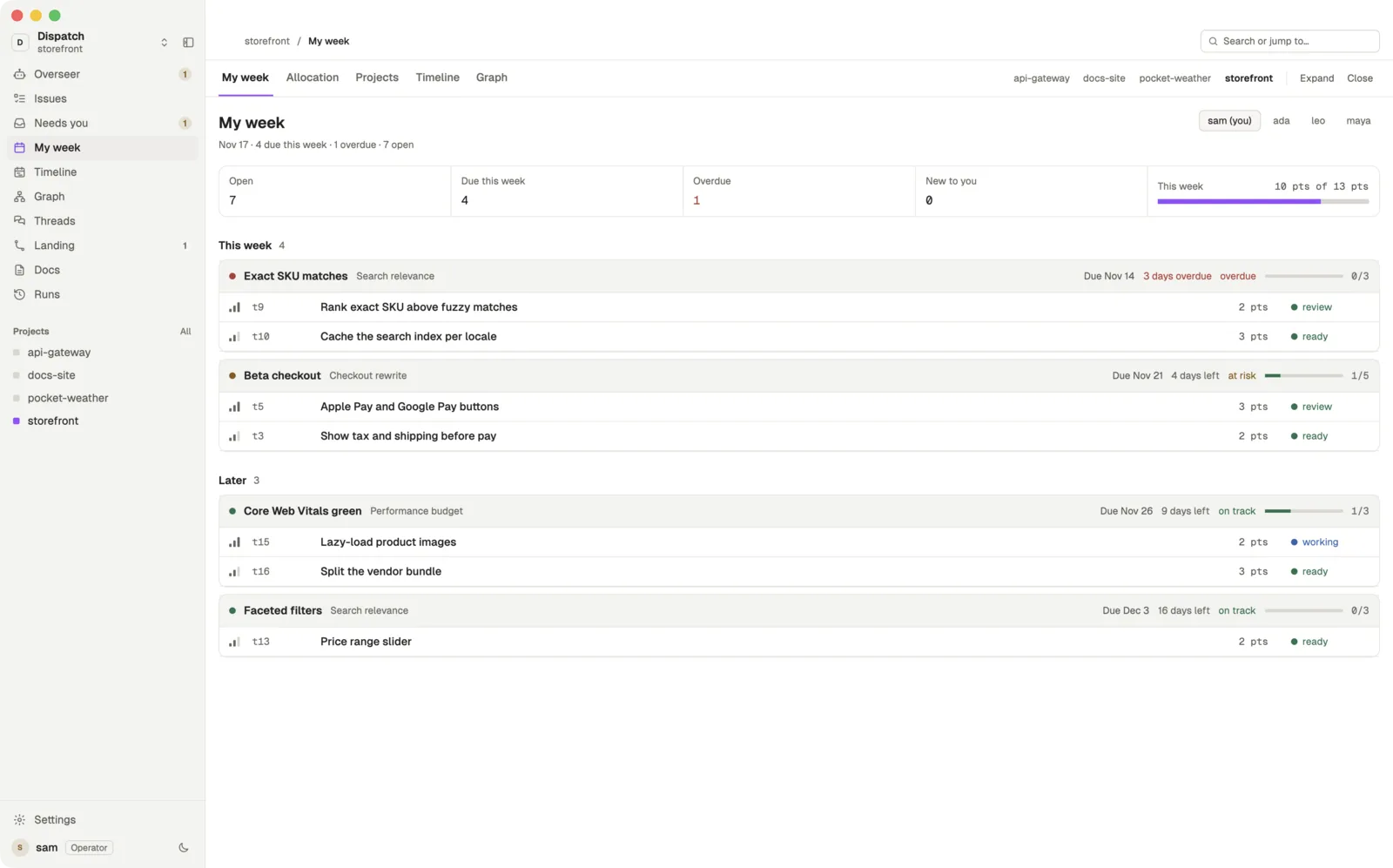
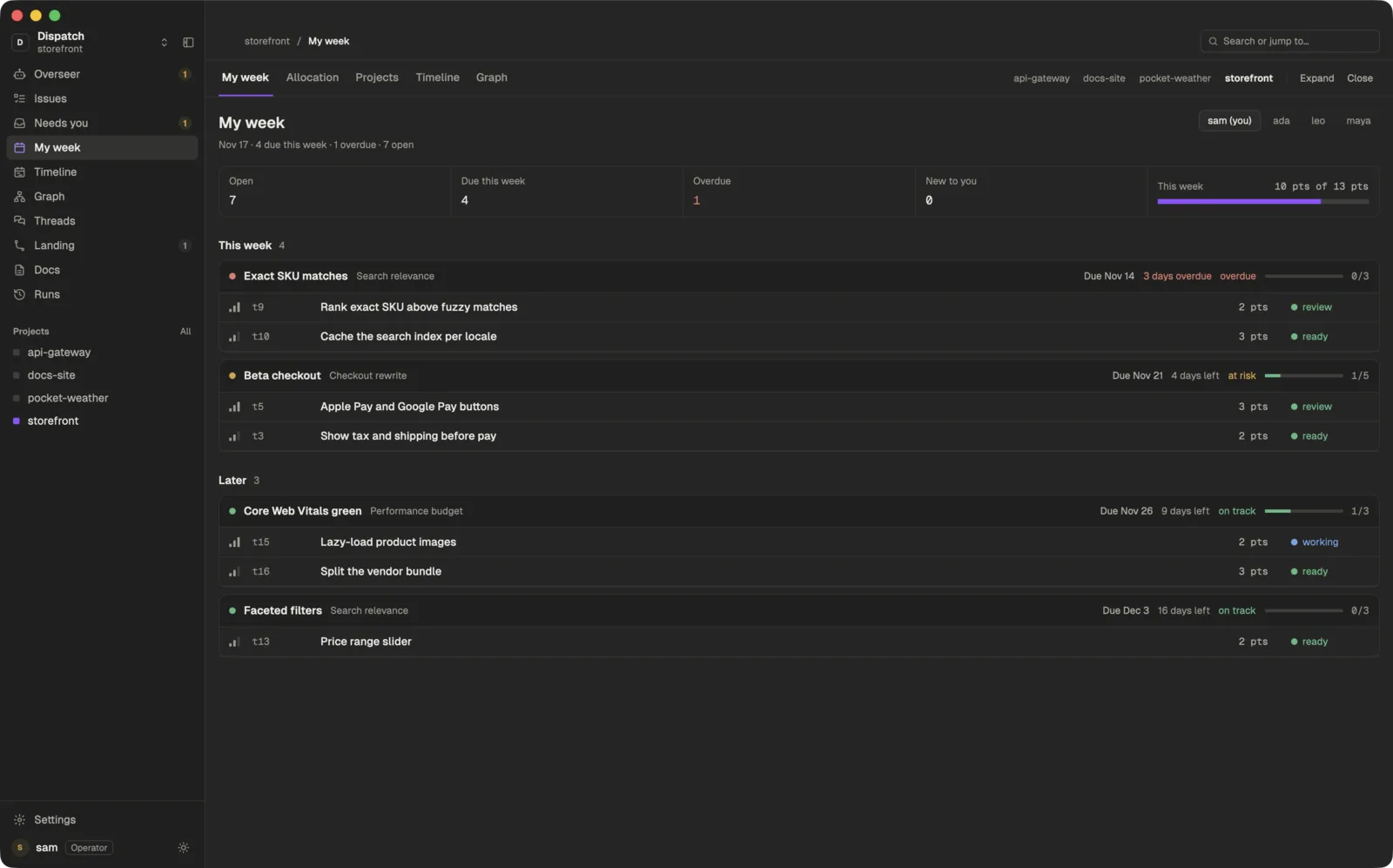
Five planning views read the same board your agents work from, so the plan and the work never drift apart.
My week. Your open tasks this week and later, grouped by milestone, against how much you can take on.
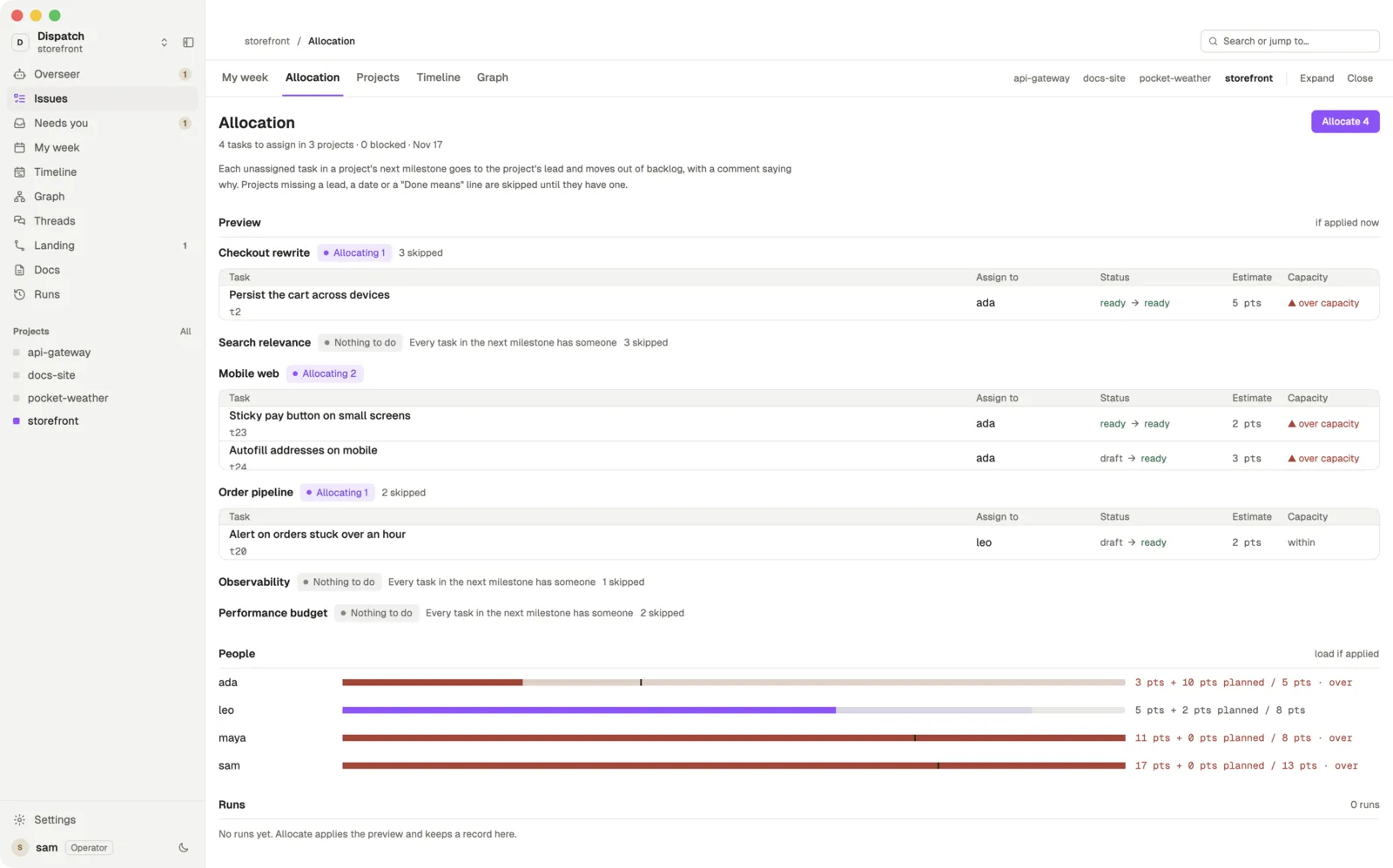
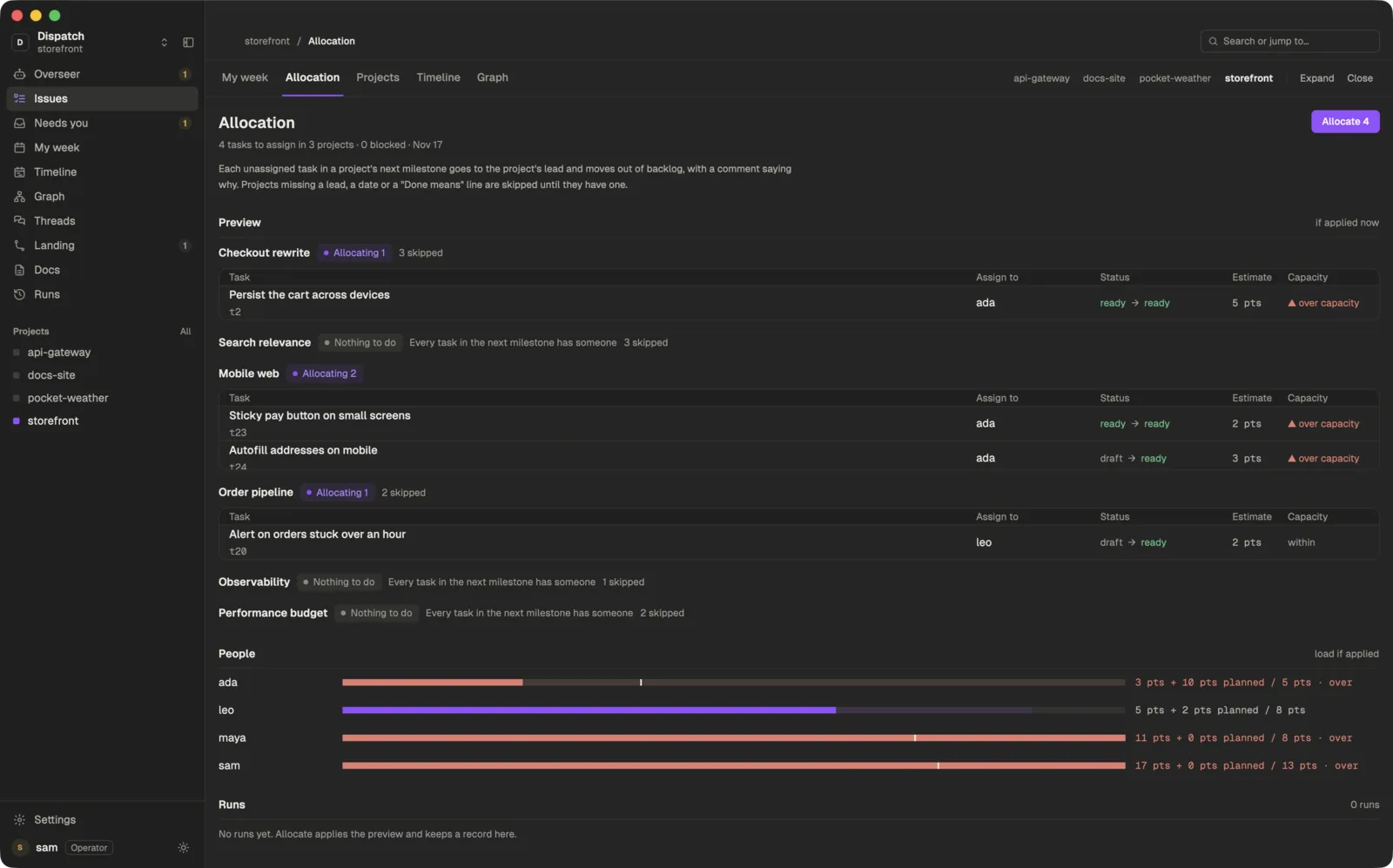
Allocation. Who would get each unassigned task, everyone’s load, and one button to apply it.
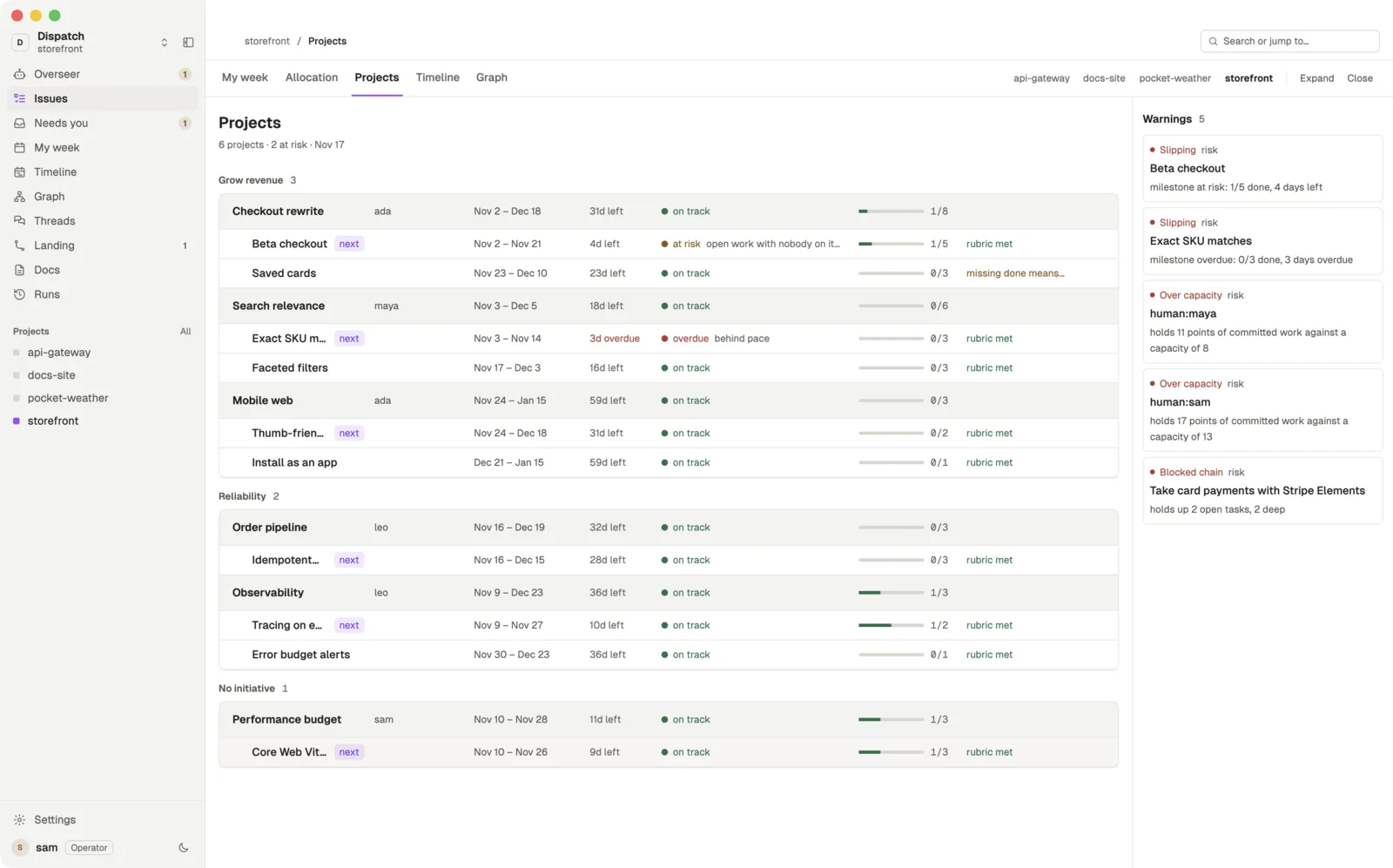
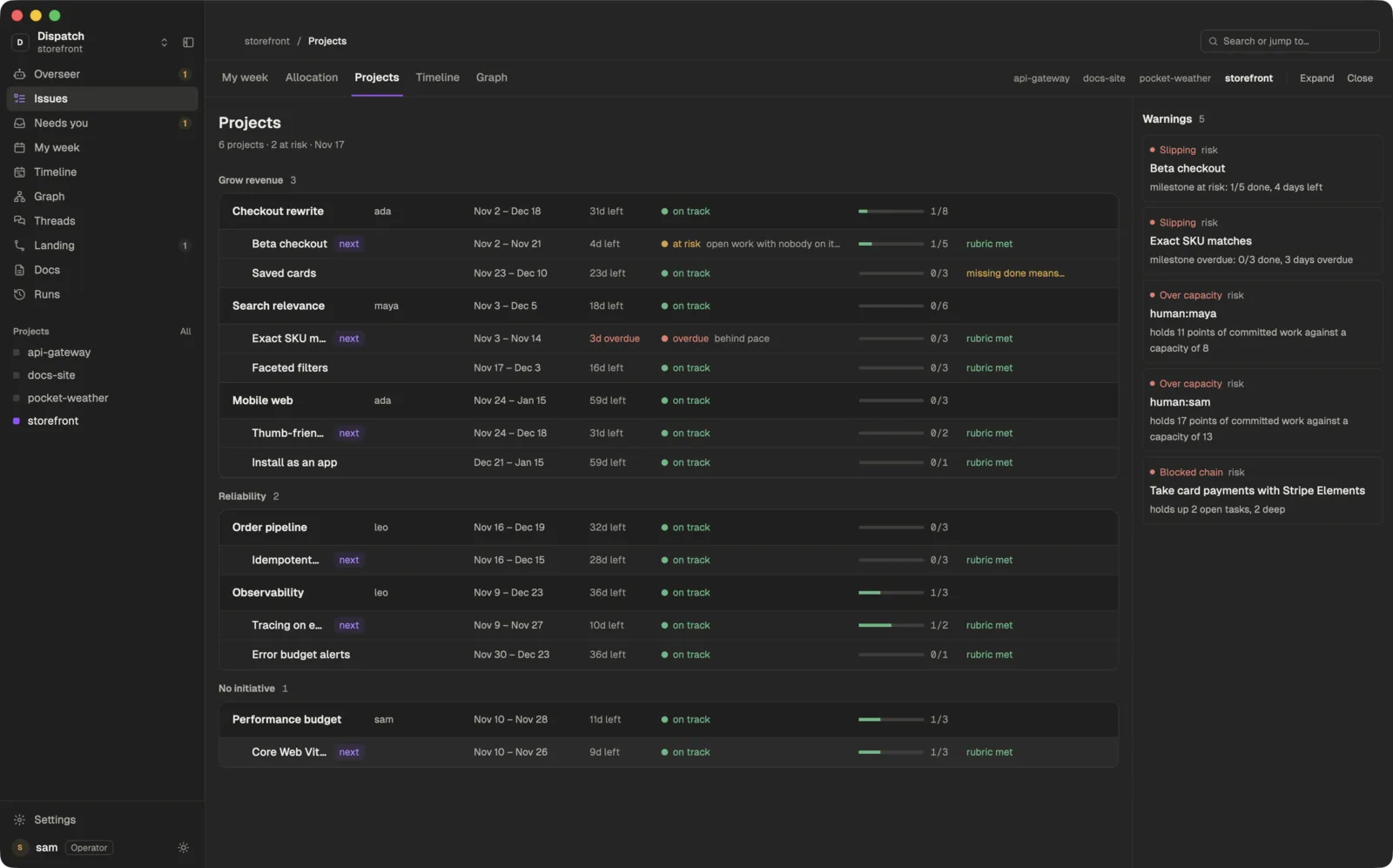
Projects. Every project and milestone with its lead, dates and progress, and what is slipping.
Timeline. Projects and milestones across the coming weeks, with today marked.
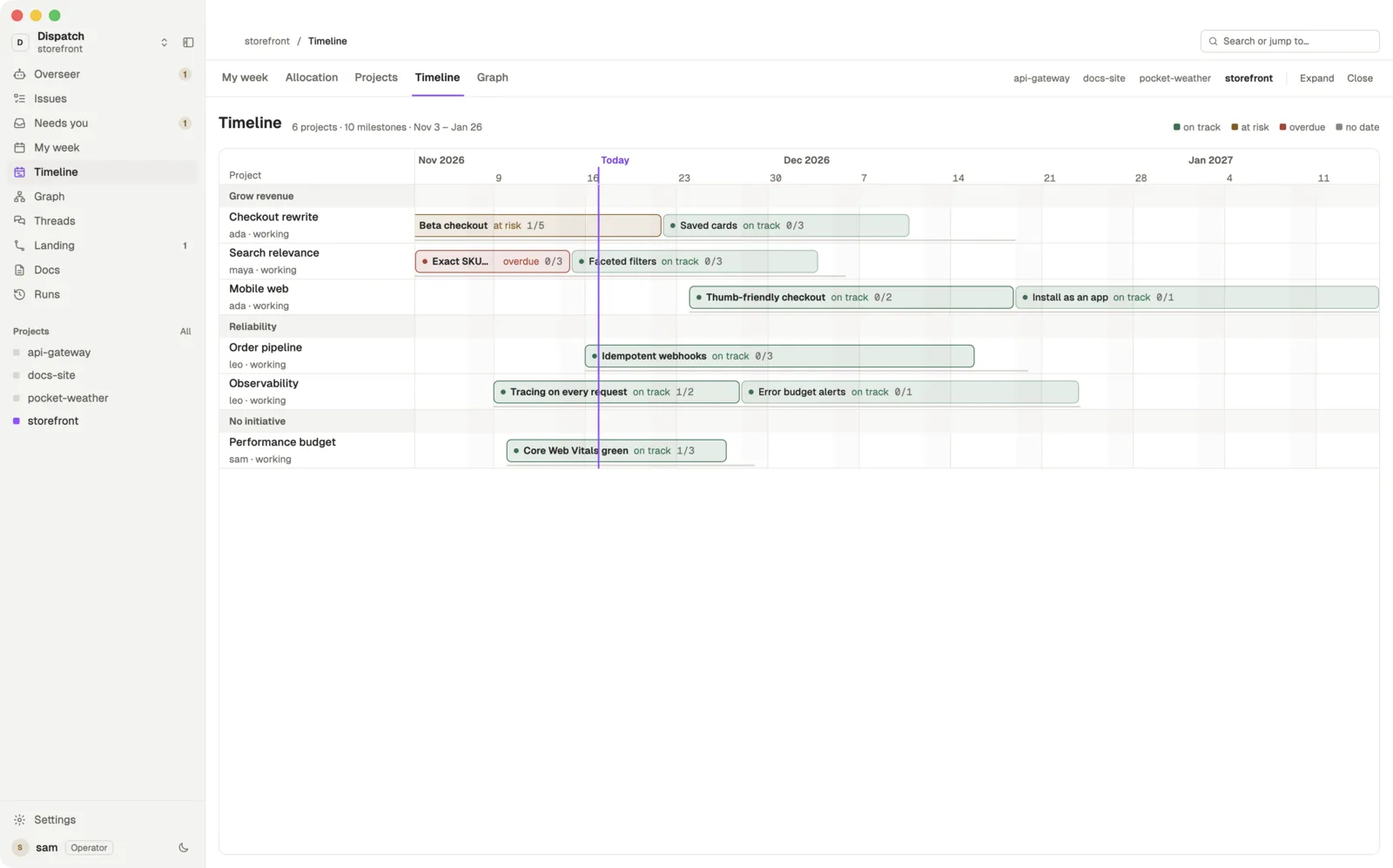
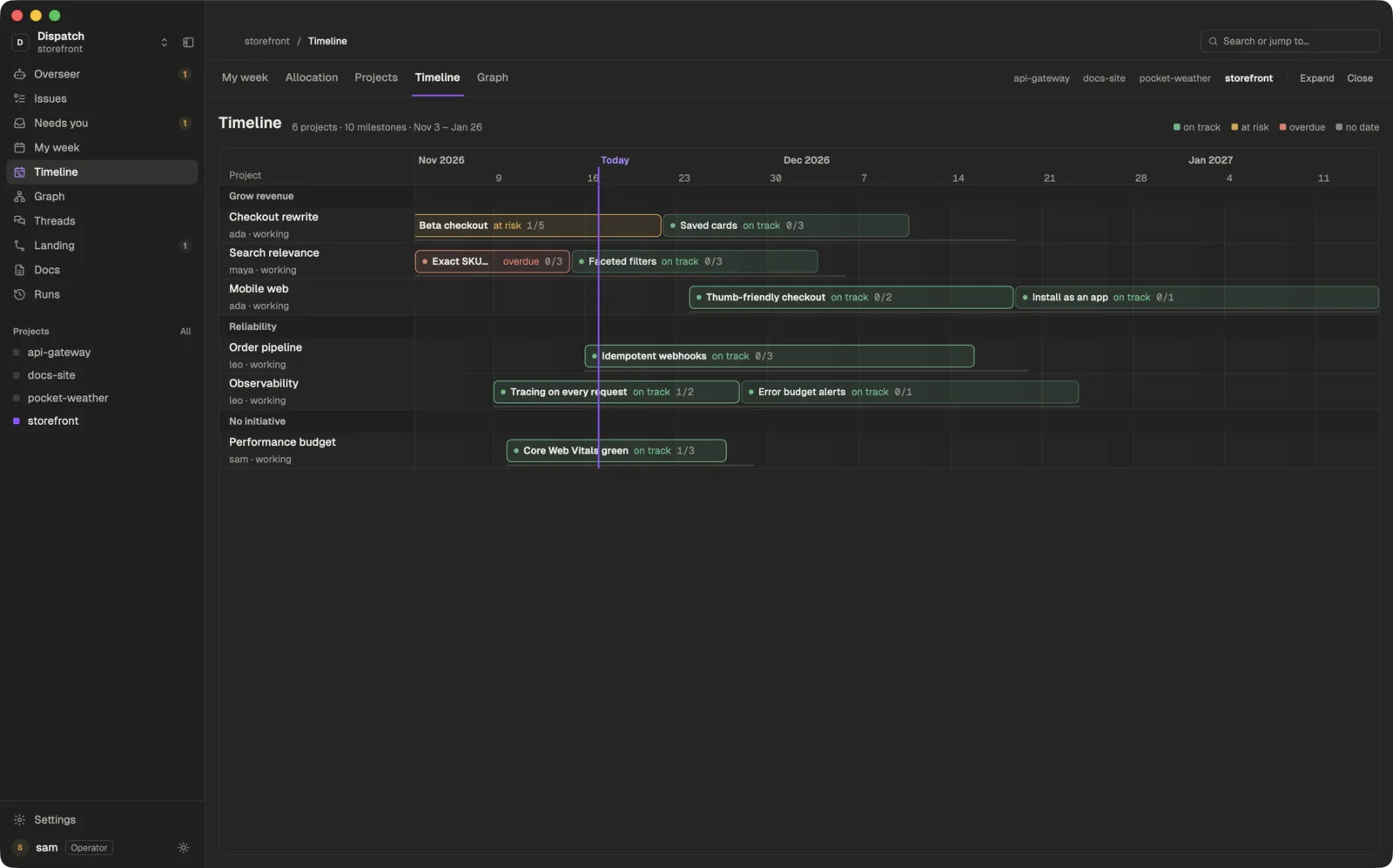
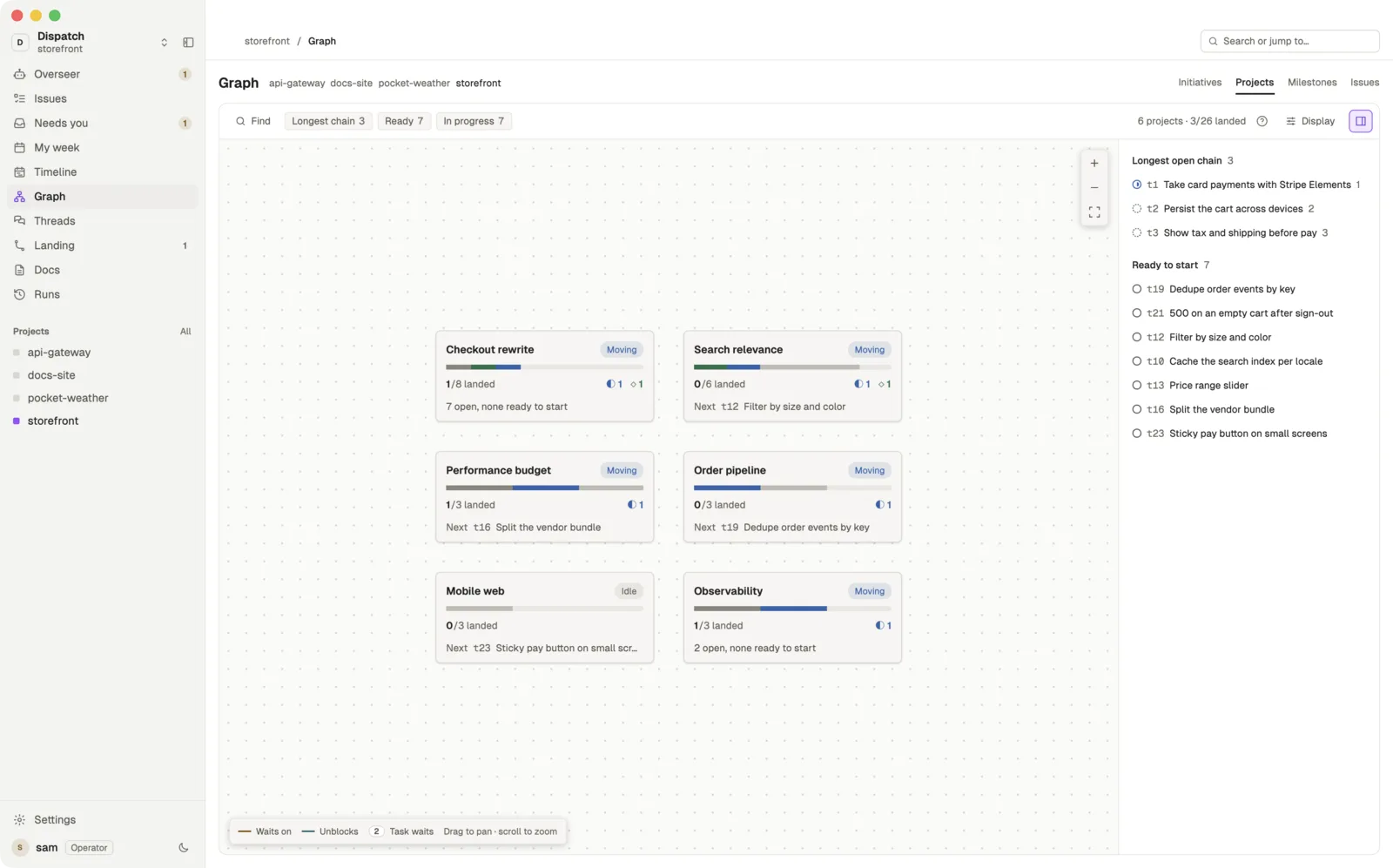
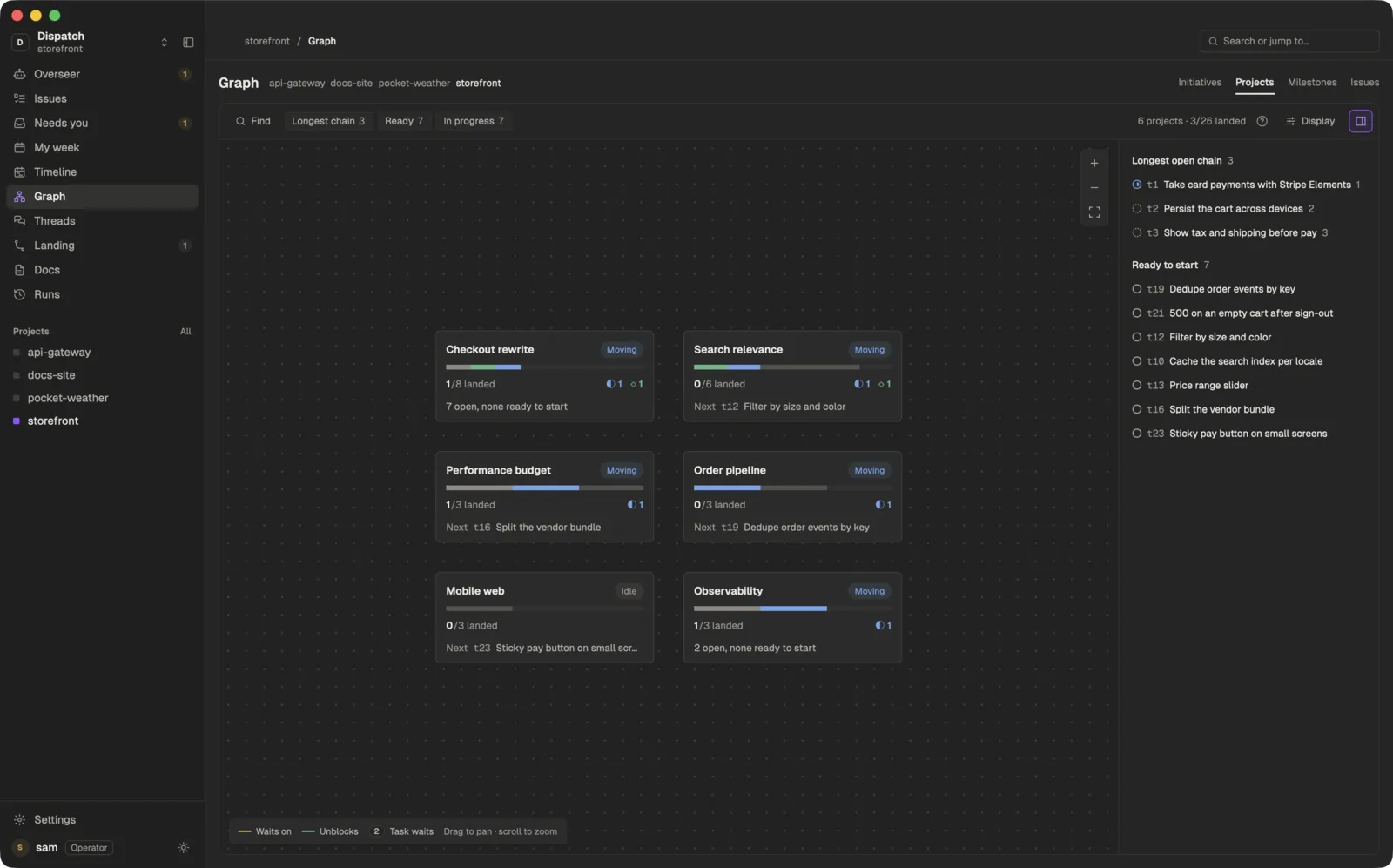
Graph. Initiatives down to tasks, and what blocks what.
Bring your team. The server can’t read a word.
Teams share projects through a hosted server at team.dispatch.foo. It stores only sealed, end-to-end encrypted bytes, so it cannot read your task titles or your code.
One board, synced
Share a project and every teammate’s board stays in step with yours.
See what they are doing
The Team view shows each coworker by name, whether they are online, and their agents live: the task, its state and the last thing it did.
Talk to their agents
Message a coworker's agent, from the app or from your own agent, end-to-end sealed, and its reply comes back to you. Follow its run as it happens, or leave a note on its task.
One lead per project
One core is named lead for each project, and its Overseer acts for everyone on it.
Works with Linear
Sign in to Linear from Settings, no API key, and keep each project in two-way sync with a Linear team. How it works
Working alone is free. A team is $10 per seat per month. See pricing
Install Dispatch.
Bring a project and an agent you already use. Connect the agent to Dispatch, or open the app and let the Overseer do the rest.
curl -fsSL https://dispatch.foo/install.sh | shVersion 1.0.0, one universal build for Apple silicon and Intel Macs. What gets installed