Hub
Panels, themes and layouts for the Dispatch app, made by the people who use it. Each one installs from its author's GitHub repo at a pinned commit.
Install a mod
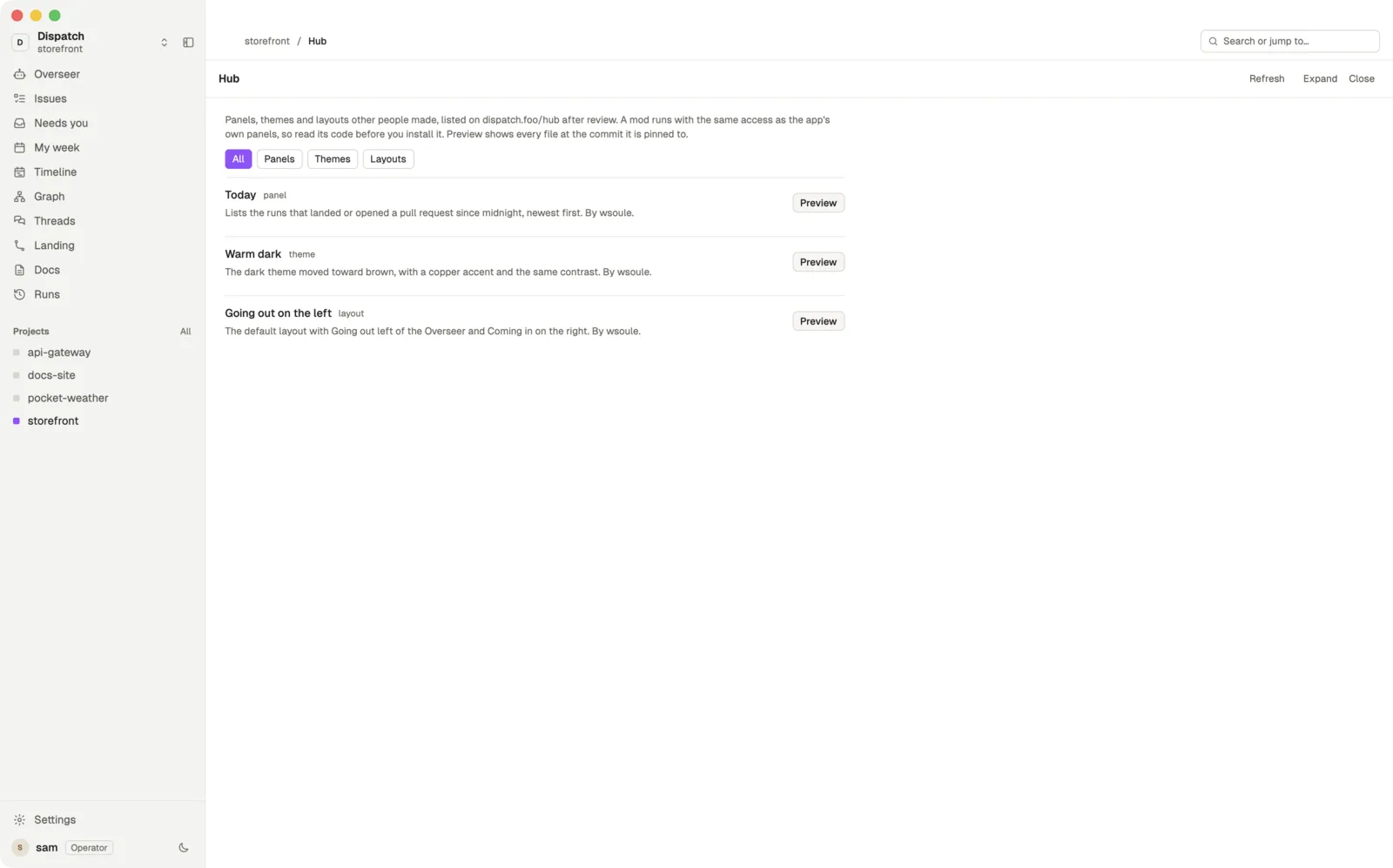
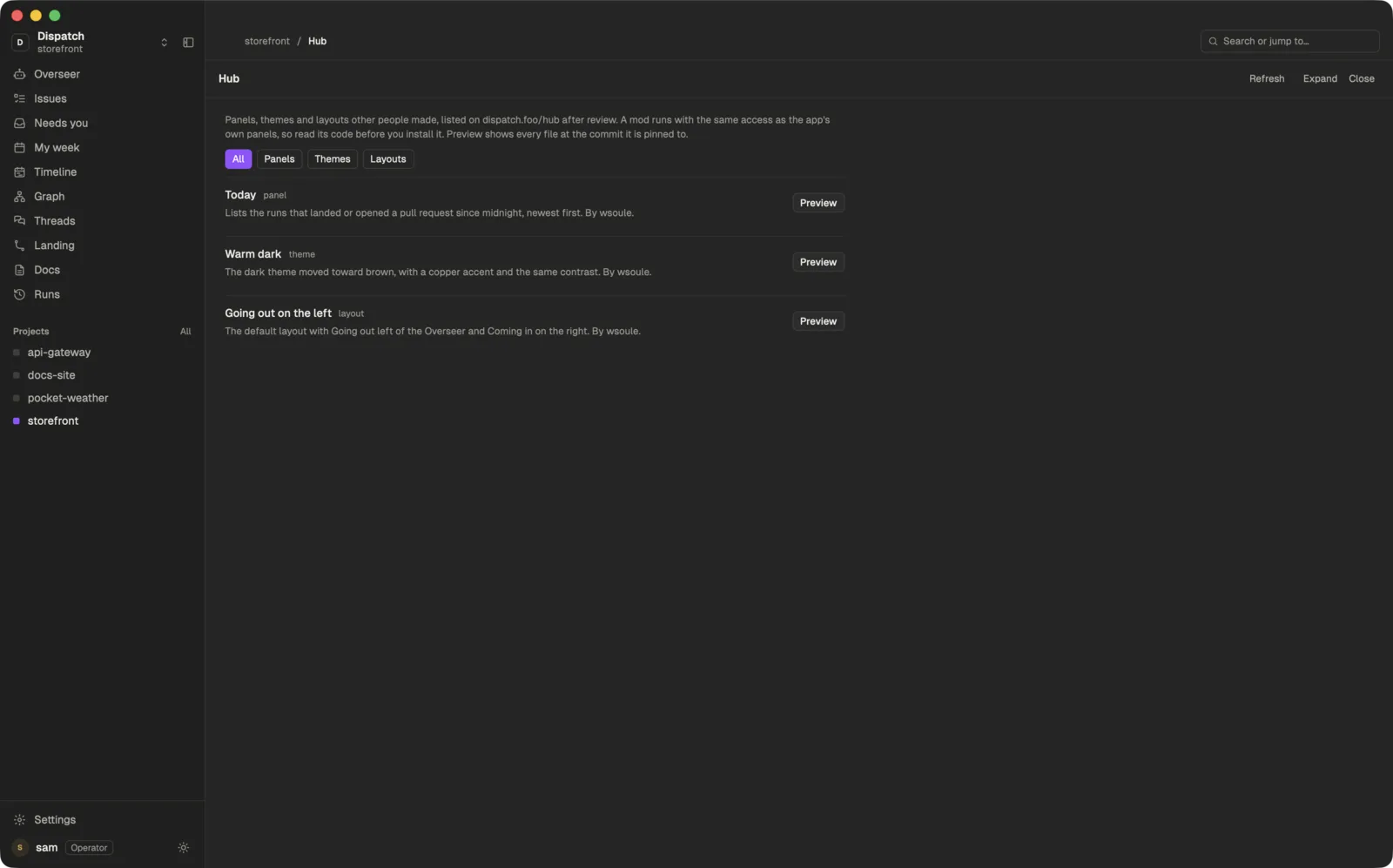
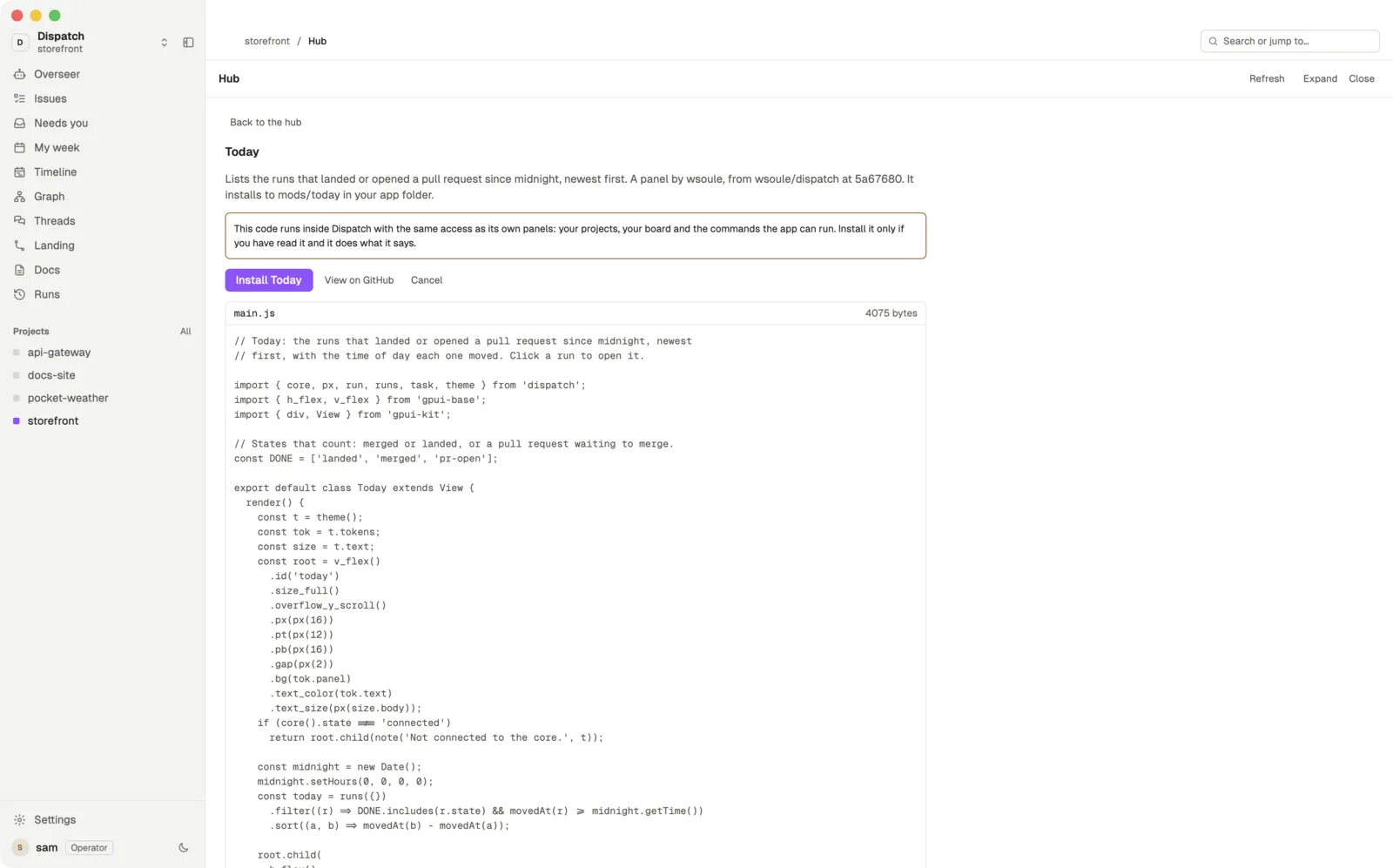
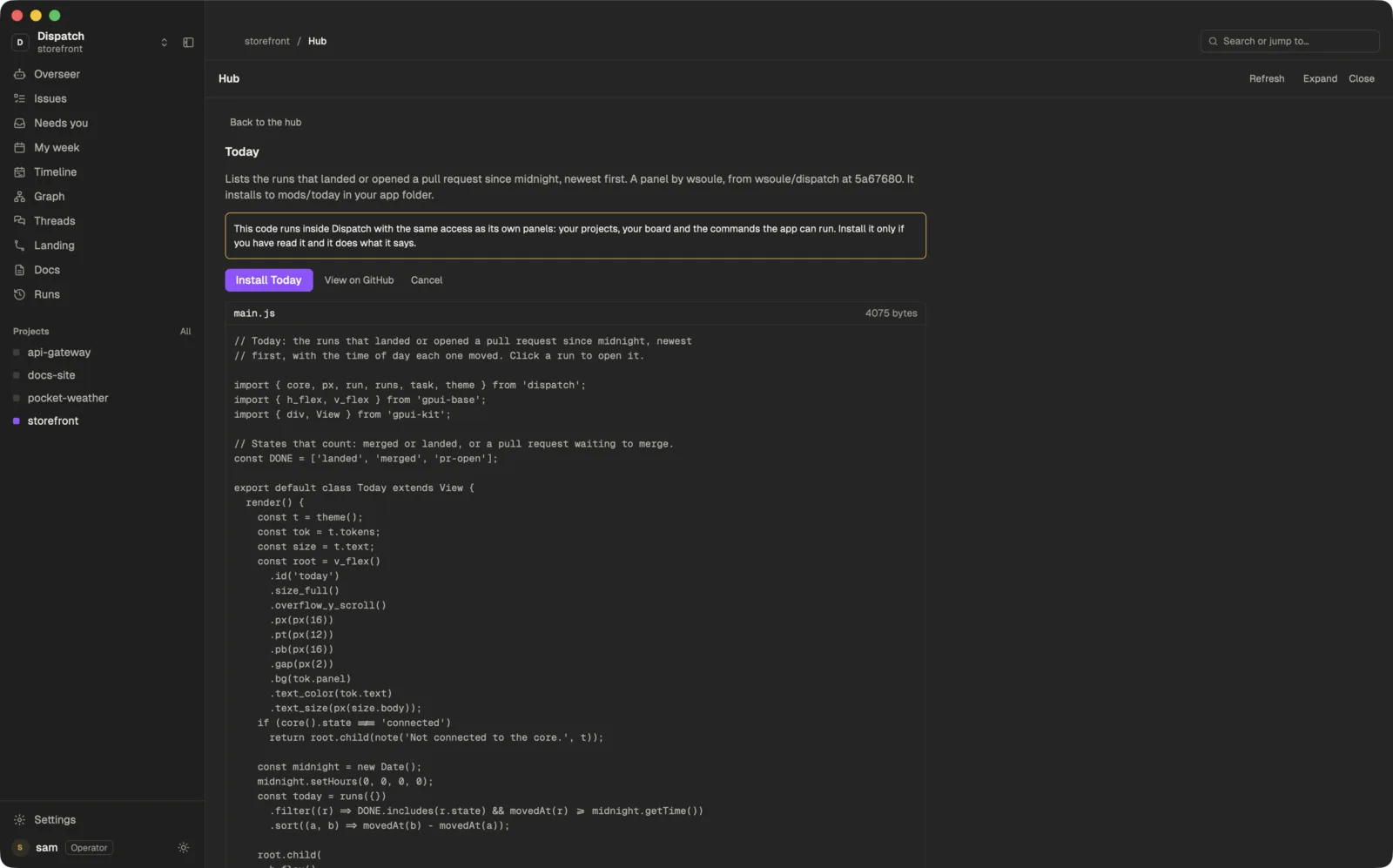
In the app, open Settings › Customize this app › Browse the hub. The app shows every file's code before it installs, and installs that exact commit, so what you read is what runs.
A mod runs with the same access as the app's own panels, including your projects and your team's content. Read it before you install it, as you would a shell script.
From a terminal or an agent
dispatch-app hub list
dispatch-app hub show <id>
dispatch-app hub install <id>
dispatch-app hub remove <id>
hub show prints every file and its code at the pinned commit, and hub remove takes a mod back out. An agent asked to “add the Today mod” can run these itself; it should run hub show and read the code before hub install.
The same list is at /hub/index.json for programs: each entry names its kind, its repo, the commit it is pinned to and the path of its files.
Panels
Today
panelLists the runs that landed or opened a pull request since midnight, newest first.
dispatch-app hub install today
Themes
Warm dark
themeThe dark theme moved toward brown, with a copper accent and the same contrast.
dispatch-app hub install warm-dark
Layouts
Going out on the left
layoutThe default layout with Going out left of the Overseer and Coming in on the right.
dispatch-app hub install goingout-left
Submit a mod
Put your mod in a public GitHub repo. A panel is a folder holding main.js and, if it draws its own icons, an icons/ folder; it can import only files inside that folder, so copy in ui.js if you use it. A theme or a layout is one JSON file. How each is written is in Change the app and in the AGENTS.md in your app folder.
Each submission is reviewed before it is listed. A reviewer installs it at the commit you give and checks that it loads, that it does what its summary says, and that its code holds no surprises.